
Link Claude with Google Calendar in five steps
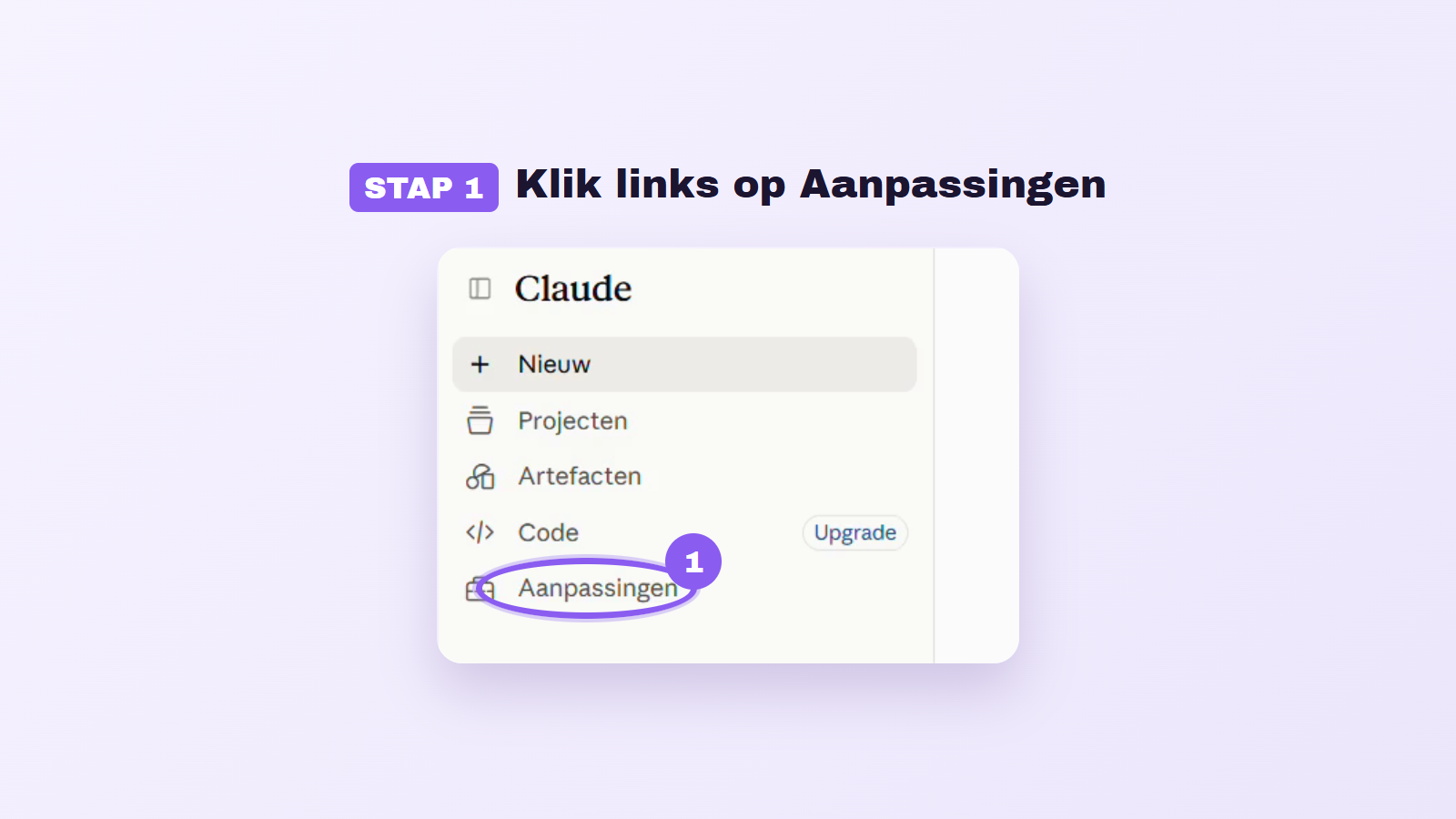
Connecting Claude to Google Calendar provides users with the ability to efficiently manage their calendar. With just a few steps, users can link their Claude account to their Google Calendar. This allows Claude to view appointments, find free time, and even schedule new appointments. The integration can be quickly set up via the Google Calendar connector and is accessible to both free and premium users of Claude.
To connect Claude to Google Calendar, the user must ensure a few basic requirements, including an active Claude account and a Google account. The connector is developed by Google itself and requires the appropriate user permissions to access calendar data. This provides a secure working environment, as the connection can be severed by the user at any time.
The linking process consists of five simple steps: opening the Claude app, navigating to the customization section, searching for the Google Calendar connector, granting the necessary access, and confirming the connection. Once Claude is successfully linked, the user can naturally ask questions like "Schedule my week" or "Where do I have free time?" after which Claude can check the calendar to provide relevant information.
In addition to finding free slots and scheduling appointments, Claude can also edit or move existing appointments. It is important for users to manage permissions effectively: for each tool, one can determine what Claude is allowed to do. For example, if one does not want Claude to delete appointments, this function can be easily blocked. Full control over the connection remains with the user, ensuring a secure experience in using the integration.
Read the full article from AI Insider.
Gerelateerde artikelen

TechCrunch Disrupt 2026: Highlights of Startup Battlefield 200
During TechCrunch Disrupt 2026, approximately 200 startups presented themselves as part of Startup Battlefield 200. This event provided a platform for promising technology companies to showcase their...

Tech Festival
22 October 2026
Uber implements ChatGPT for 30,000 employees
Uber has announced that it is expanding the deployment of ChatGPT Work to all of its 30,000 employees. This marks a significant step for the company, which previously conducted a smaller pilot for the...
Tech Festival
22 October 2026
Tesla Prepares Cybercab Expansion
Tesla intends to launch its innovative two-seat robotaxis, also known as Cybercabs, this year in various cities across the United States. This ambitious project aligns with the broader trend of electr...
Tech Festival
22 October 2026